
Canva Craft for Designpreneurs: How to Use Canva’s New Image Model for Client-Ready Visuals
Craft is now Canva’s default image model in Dream Lab. See what’s new, how it compares with other image models, and how to make its images editable.
Craft is now Canva’s default image model in Dream Lab. See what’s new, how it compares with other image models, and how to make its images editable.
Canva’s new ProSuite links Affinity, Cavalry, Flourish and Leonardo. Here’s what a solo designpreneur can use today, and how to wire Affinity into your Canva Brand Kit.
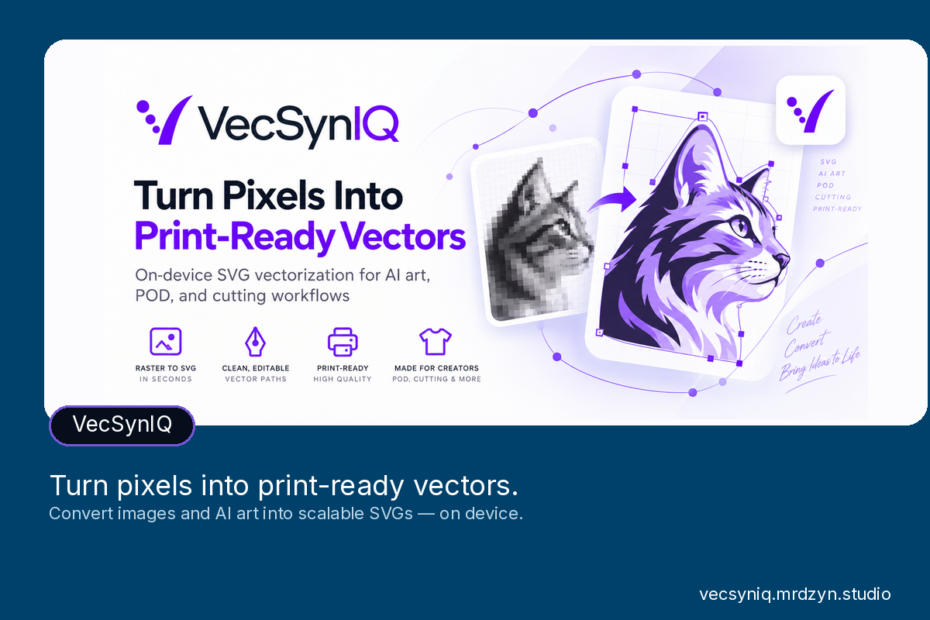
Turn Canva or AI artwork into clean SVGs, transparent PNGs and layered cut files for POD, stickers and vinyl, all processed on your own device with VecSynIQ.
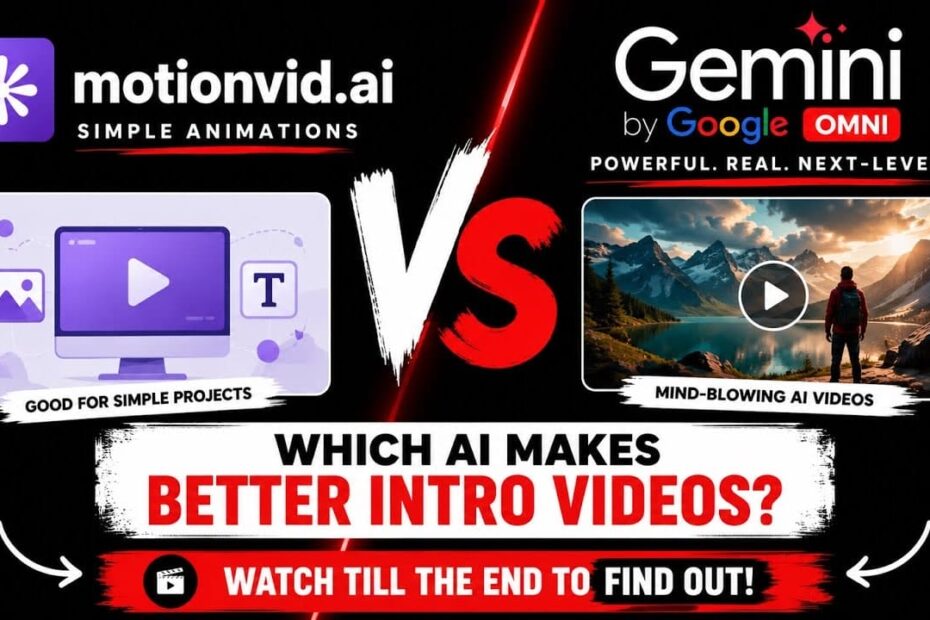
Same logo, same brief: see whether Motionvid.ai or Gemini Omni makes the stronger branded intro, where Motionvid still earns a spot, and how fast credits go.

Stop collecting apps and start connecting them. See how Canva, HubSpot, HeyGen and ChatGPT fit one simple workflow that turns one idea into many outputs.

See how Canva AI can suggest layouts, colors and captions, handle tasks like resizing, and speed up your workflow, plus where your own judgment still matters.

A hands-on look at Semdash’s keyword, backlink and competitor tools, how its credit system works, and whether the AppSumo lifetime deal is worth it for you.

Spend less time on booking, contracts and client admin. See how TidyCal, Castmagic, BreezeDoc, Agency Handy and Krisspy can lighten a busy week, with prices.

Let clients book themselves. Learn how to pick a scheduling tool, sync your calendar, set reminders that cut no-shows, and handle the tech hiccups that come up.

Use Canva’s mind map templates to sort your ideas, add icons and images, and brainstorm with your team in real time. Here’s how to get started in four steps.